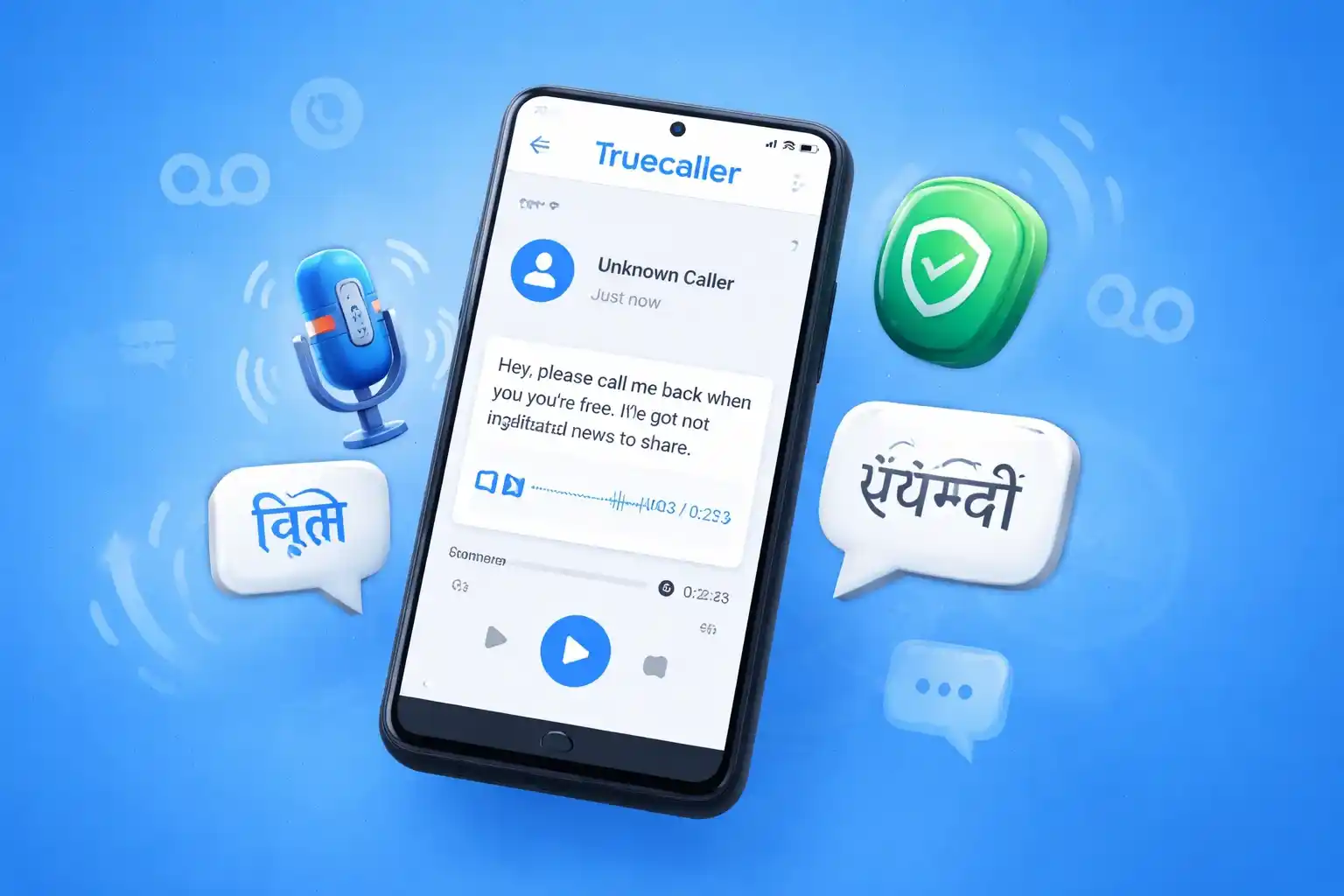
Truecaller has launched a free AI-powered voicemail service for Android users in India, integrating voicemail directly into the Truecaller app. This comes as a tool to help users manage missed calls and reduce friction compared to traditional carrier voicemail.
The feature matters in India’s context of heavy spam and nuisance calls, offering Android users an on-device way to read or listen to voice messages without separate voicemail numbers or PINs.
What Truecaller Launched (and Who Gets It)
Truecaller’s new voicemail feature is built into the Android app and currently available only in India for all Truecaller users at no extra cost.
It replaces traditional carrier voicemail systems by storing and playing messages within the Truecaller interface.
Key Features That Stand Out
- AI Voicemail Transcription: Converts voice messages to text in seconds.
- Spam Protection: Integrated filtering to reduce unwanted or scam messages.
- Multilingual Support: Transcription in 12 Indian languages (including Hindi, Bengali, Marathi, Tamil, Telugu, Kannada, Malayalam, Gujarati, Nepali, Punjabi, Sanskrit, Urdu).
- On-Device Storage: Voice messages are stored locally for privacy and easy access.
- Call Handling Shortcuts: Smart call categorisation and adjustable playback controls.
How It Works (Simple Explanation)
When a call isn’t answered, Truecaller’s voicemail service kicks in.
- A missed caller leaves a voice message.
- Truecaller records and saves it on your phone.
- The message is transcribed to text automatically.
- You can read or play the voicemail inside the app.
What You Need to Enable
To use the feature, you must:
- Have the latest Truecaller app installed on your Android phone.
- Enable voicemail in settings (call forwarding may be needed; users report this as a requirement).
Steps to Set Up
- Open the Truecaller app on Android.
- Update to the latest version via Play Store.
- Go to Settings > Voicemail.
- Enable voicemail and allow necessary permissions.
- Set up call forwarding if prompted.
- Save and exit.
- Test by letting someone leave you a voicemail.
Truecaller Premium vs Free Users
The voicemail feature is free for all users in India. Moneycontrol
However, Truecaller Premium/Assistant users may get enhanced AI experiences (like automated call assistance and personalised greetings) and wider call-handling tools, though these extras are part of separate subscriptions.
Why This Matters in India
India faces a high volume of spam and unknown calls daily. A voicemail system with AI transcription and spam filtering helps users quickly assess missed calls without listening to every audio message — especially useful during work, travel, or quiet hours.
Privacy & Data Notes
Truecaller says the voicemail messages are stored on the user’s device and not uploaded to the cloud, which is intended to give users control over their data.
This differs from some carrier or cloud voicemail services that retain audio off-device.
What’s Next
Truecaller indicates plans to expand voicemail to other markets beyond India in future, though details and timelines have not been confirmed.
Conclusion
Truecaller’s new AI voicemail for Android brings a modern alternative to traditional voicemail in India, blending instant transcription, local languages, and spam protection — all within the app most users already have.
FAQ
Is it free?
Yes, the voicemail feature is free for Android users in India.
Does it work on iPhone?
Not currently; rollout is for Android in India only.
Do I need call forwarding?
Yes, setting up your network’s call forwarding to Truecaller voicemail may be required. The Morning Voice
Does it transcribe in Indian languages?
Yes — it supports transcription in 12 Indian languages.