Bringing Old Photos Back to Life (Without Filters)
Some photos carry more than pixels.
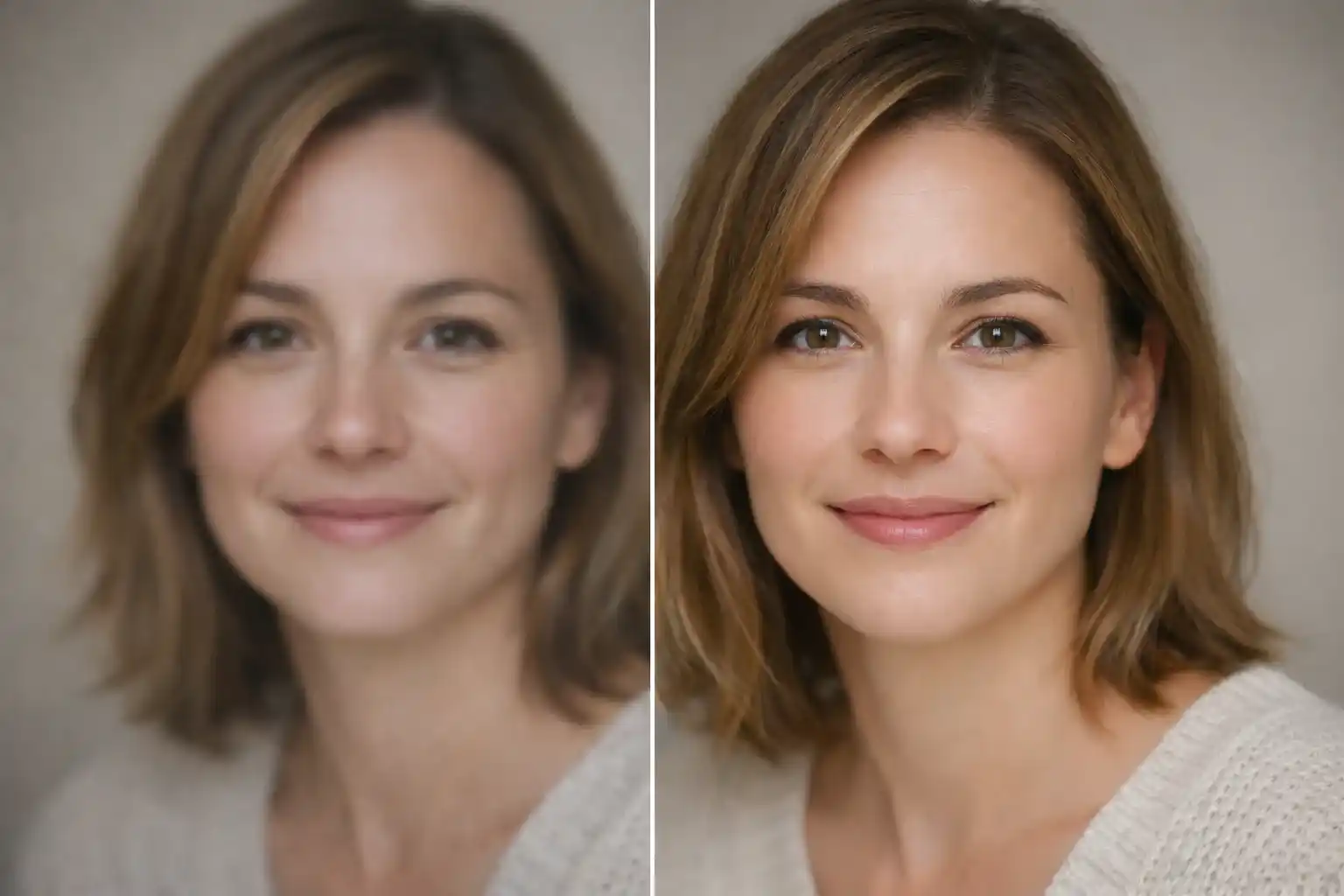
They carry memories.
An old family picture. A blurry phone shot. A dimly lit moment you wish looked clearer. Most people think fixing these needs heavy software or complex tools. Truth is—the right prompt matters more than the tool.
When you guide ChatGPT properly using uploaded images, the result feels natural. Real. Honest. Like the photo was always meant to look this way.
Below are 20 carefully written photo restoration and enhancement prompts. Each one is designed to respect the real face, real light, and real moment—no fake beauty, no over-editing.
Save these. Use them. Bring your photos back to life.
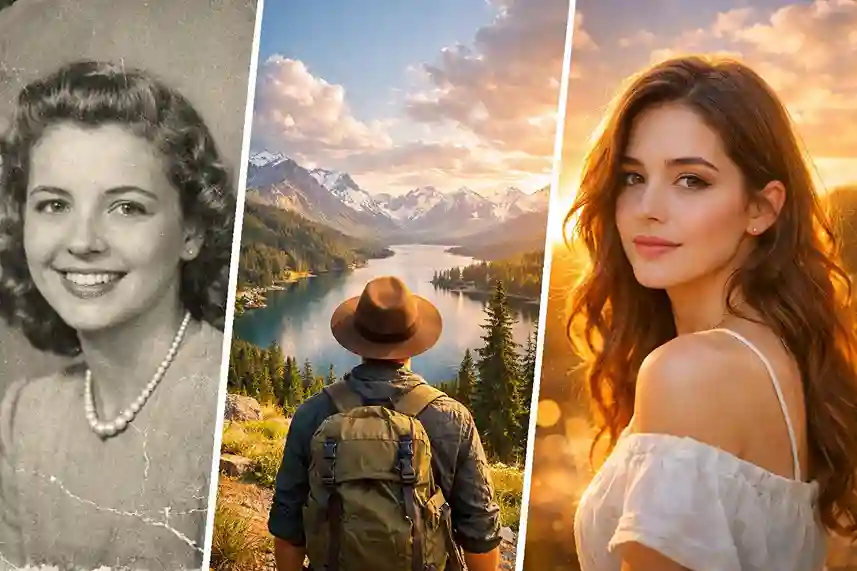
1. Old Photo Restoration (Faded Colors)
Using the provided image as reference, restore this old photo by gently reviving faded colors while preserving the original mood and era. Improve clarity and contrast carefully without making the image look modern or artificial. Repair discoloration, stains, or fading while keeping skin tones natural and textures realistic. Maintain the subject’s true identity, facial structure, and expressions exactly as they are.

2. Blurry Image Sharpening
Using the provided image as reference, enhance overall sharpness and clarity without changing facial features or details. Reduce softness and blur while keeping edges clean and natural. Avoid over-sharpening. Preserve skin texture, hair detail, and fine lines so the image looks clear but still realistic.
3. Low-Light Photo Enhancement
Using the provided image as reference, brighten the photo naturally as if it were captured in better lighting. Lift shadows gently, restore visibility in dark areas, and balance highlights without washing out colors. Keep the atmosphere authentic and maintain natural skin tones and textures.
4. Mobile Camera Photo Upgrade
Using the provided image as reference, enhance this mobile camera photo to look cleaner and more detailed. Improve sharpness, color balance, and clarity while keeping the subject exactly the same. Avoid artificial smoothing or dramatic effects. The final image should feel natural, simple, and realistic.
5. Overexposed Photo Correction
Using the provided image as reference, reduce excessive brightness and recover lost details in highlights. Restore balanced exposure while keeping colors true-to-life. Maintain natural contrast and avoid darkening the image too much. Skin tones should remain realistic and soft.
6. Underexposed Photo Correction
Using the provided image as reference, gently brighten the image and restore hidden details without introducing noise. Improve visibility while keeping shadows soft and natural. Preserve facial features and textures so the image feels evenly lit and authentic.
7. Noise Reduction for Grainy Images
Using the provided image as reference, reduce grain and digital noise while maintaining sharpness and detail. Avoid plastic-looking skin or blurred textures. Keep the image clean, natural, and realistic, especially in faces and hair.
8. Face Clarity Enhancement (Natural Skin)
Using the provided image as reference, enhance facial clarity by improving focus and detail while preserving natural skin texture. Avoid smoothing, beauty filters, or face reshaping. Keep pores, lines, and expressions real and untouched.
9. Eye Detail Restoration (Realistic)
Using the provided image as reference, enhance eye clarity by sharpening details like lashes, reflections, and iris texture naturally. Avoid exaggeration or artificial brightness. Eyes should look clear, alive, and realistic, not edited.
10. Background Clarity Improvement
Using the provided image as reference, improve background clarity and balance while keeping the subject as the main focus. Clean up noise, improve lighting, and maintain depth without making the background distracting or unnatural.
11. Motion Blur Correction
Using the provided image as reference, reduce motion blur carefully while preserving the original movement and feel. Improve subject clarity without making the image look frozen or unnatural. Keep edges smooth and realistic.
12. Washed-Out Color Revival
Using the provided image as reference, restore muted or washed-out colors naturally. Enhance vibrancy gently without oversaturation. Maintain realistic tones, especially for skin, clothing, and surroundings.
13. Image Clarity for Printing
Using the provided image as reference, enhance resolution, sharpness, and detail to prepare the photo for printing. Keep textures natural and avoid artificial sharpening. The image should look clean, balanced, and high-quality in print.
14. Social Media Ready Clean Enhancement
Using the provided image as reference, create a clean and polished version suitable for social media. Improve lighting, clarity, and color balance without altering facial features or adding stylized effects. Keep it natural and authentic.
15. Natural Daylight Correction
Using the provided image as reference, correct lighting to resemble soft natural daylight. Balance highlights and shadows while keeping colors true and skin tones realistic. Avoid dramatic or cinematic lighting.
16. Indoor Artificial Light Correction
Using the provided image as reference, neutralize harsh indoor lighting and color casts. Restore balanced tones and natural warmth while keeping the original environment realistic and believable.
17. Old Scanned Photo Cleanup
Using the provided image as reference, clean up dust, scratches, and scan marks while preserving the original photo’s texture and character. Improve clarity gently without removing the authentic aged feel.
18. Smartphone Portrait Enhancement
Using the provided image as reference, enhance portrait clarity while keeping natural depth and lighting. Improve facial details and background balance without applying artificial blur or beauty effects.
19. Professional Camera Look Conversion
Using the provided image as reference, enhance the photo to resemble a professional camera capture. Improve dynamic range, clarity, and color accuracy while keeping the subject completely unchanged and realistic.
20. Ultra-Realistic High-Resolution Enhancement
Using the provided image as reference, enhance the image to ultra-high resolution with crisp detail and natural textures. Maintain realistic lighting, skin texture, and color accuracy. Avoid stylization or artificial enhancements.
Final Thoughts
Photos are quiet storytellers.
They deserve care, not filters.
These prompts are designed to respect reality, not replace it. Save them. Reuse them. Restore old memories, family portraits, and everyday moments with confidence.
Because good photo restoration doesn’t shout—it whispers.