Why prompts matter more than tools
Great photo edits don’t come from expensive apps.
They come from direction.
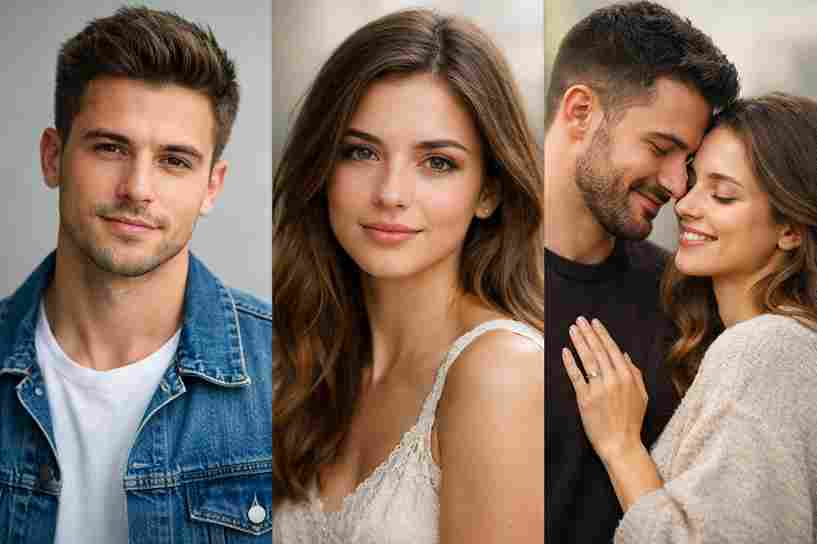
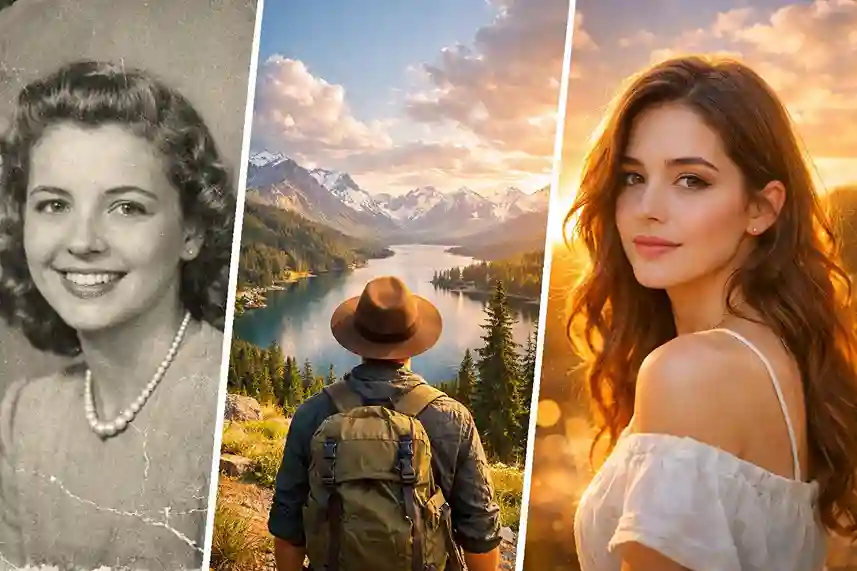
A photo changes when you tell a story with it—through light, mood, silence, and feeling. ChatGPT becomes powerful when you guide it like a creative director, not a technician. The right prompt can turn an ordinary uploaded image into something cinematic, emotional, and scroll-stopping.
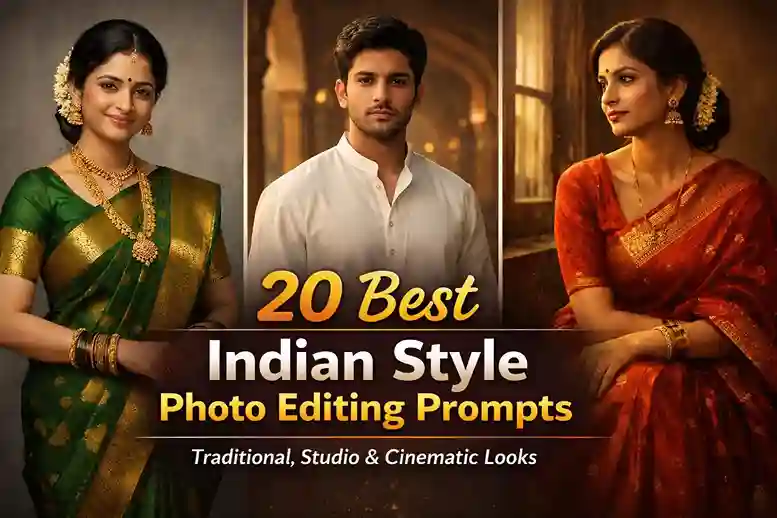
Below are 20 deep, human-written photo editing prompts you can use directly with uploaded images. Each one is crafted for creators who want edits that feel real, not artificial.
20 High-Quality ChatGPT Photo Editing Prompts
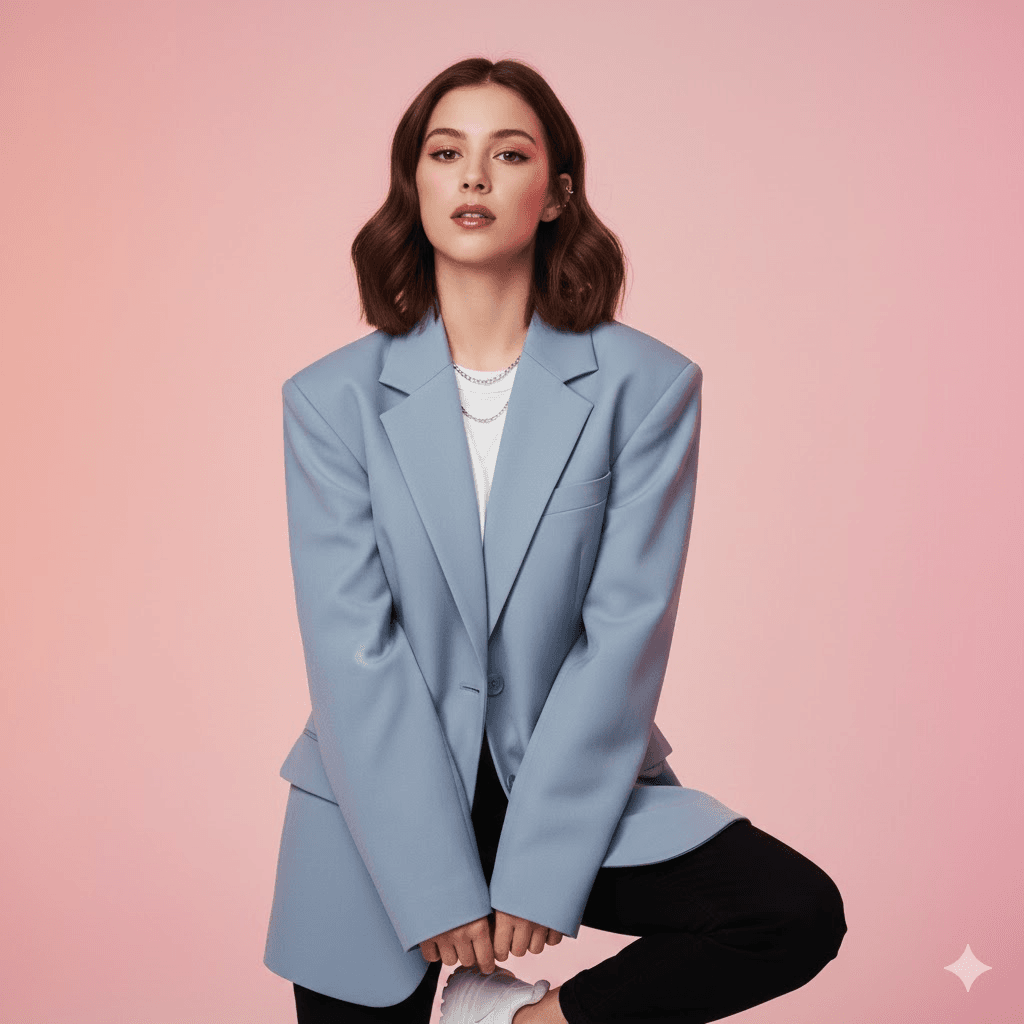
1. K-Pop Idol Photoshoot Style
Using the provided image as reference, transform the subject into a polished K-pop idol photoshoot look while fully preserving their real facial features, skin tone, ethnicity, and identity. Style the subject with clean, modern fashion inspired by contemporary K-pop concepts—tailored outfits, subtle accessories, and confident posture. Use soft studio lighting with a gentle glow, smooth highlights, and crisp shadows. Keep skin natural but camera-ready, with refined color grading that feels vibrant, stylish, and youthful. The overall mood should feel aspirational, fresh, and professionally photographed.
2. Hollywood Cinematic Portrait
Using the provided image as reference, create a Hollywood-style cinematic portrait that feels like a movie still. Preserve the subject’s real face and identity while using dramatic directional lighting with deep shadows and soft highlights. Add a shallow depth of field, muted cinematic colors, and a calm, powerful expression. The background should feel atmospheric and subtle, like a film set fading into darkness. The final image should feel timeless, confident, and emotionally strong.
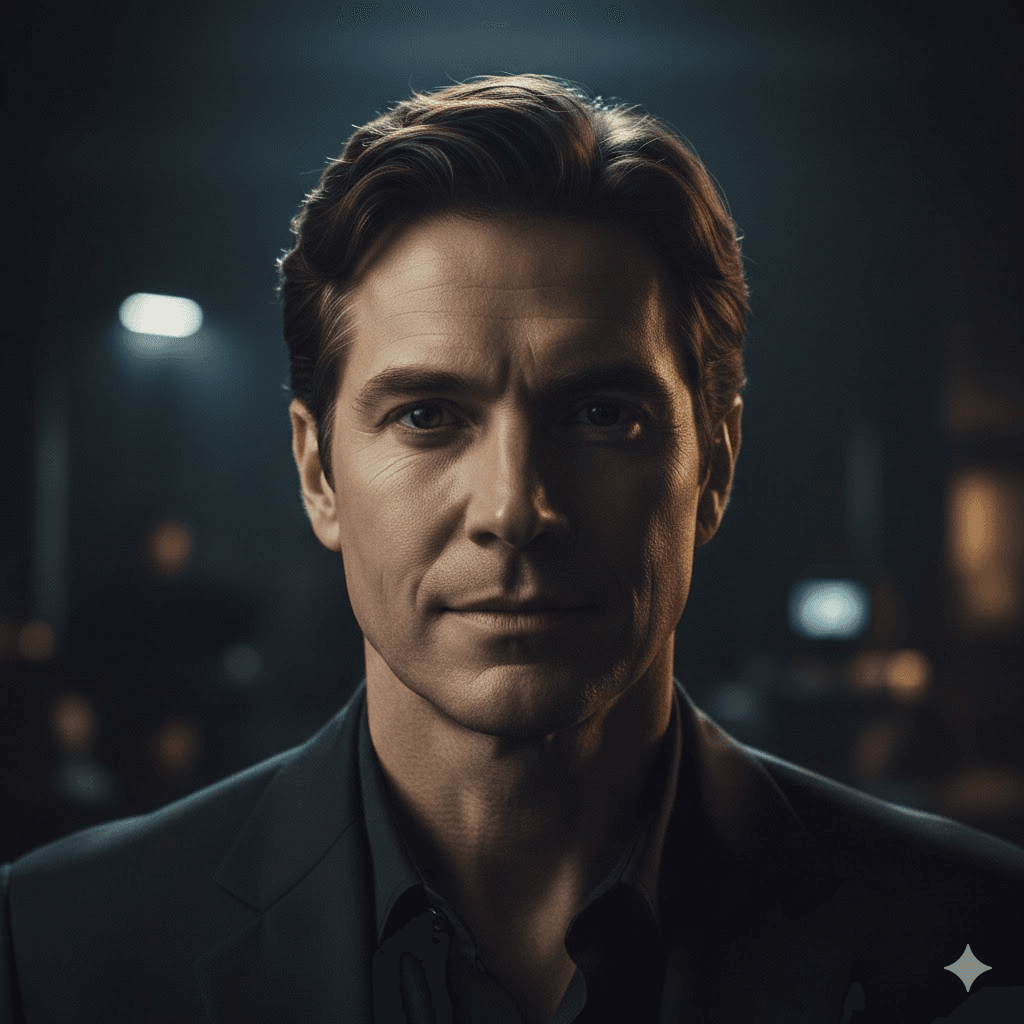
3. Soft Romantic Candle-Light Edit
Using the provided image as reference, edit the photo with warm candle-light tones that feel intimate and romantic. Preserve natural skin texture and facial details while bathing the subject in soft amber highlights and gentle shadows. Add a cozy indoor atmosphere with warm color grading, subtle glow, and a quiet emotional mood. The image should feel tender, nostalgic, and full of warmth, like a quiet moment captured at night.
4. Moody Black-and-White Fine-Art Look
Using the provided image as reference, convert the photo into a fine-art black-and-white portrait while keeping the subject’s real identity intact. Use strong contrast between light and shadow, focusing on facial structure, expression, and texture. Let the background fall softly into darkness. The mood should feel thoughtful, deep, and artistic—like a gallery photograph meant to be studied slowly.
5. Luxury Fashion Magazine Editorial
Using the provided image as reference, style the subject as if photographed for a high-end fashion magazine. Preserve facial realism while enhancing posture, outfit structure, and confidence. Use clean editorial lighting with defined highlights and controlled shadows. Apply refined color grading with neutral luxury tones. The final image should feel bold, stylish, and premium, like a Vogue-style editorial spread.
6. Vintage Film Photography Aesthetic
Using the provided image as reference, edit the photo to feel like it was shot on vintage film. Keep the subject’s natural face and skin tone intact while adding soft grain, slightly faded colors, and gentle contrast. Use warm, nostalgic tones with imperfect textures. The mood should feel old-school, emotional, and timeless, like a memory preserved on film.
7. Street-Style Urban Portrait
Using the provided image as reference, transform the photo into an urban street-style portrait. Preserve the subject’s real features while placing them in a city-inspired environment with natural outdoor lighting. Use slightly gritty textures, realistic shadows, and cool-neutral color grading. The pose should feel relaxed and confident. The overall vibe should feel raw, modern, and effortlessly stylish.
8. Golden Hour Outdoor Cinematic Look
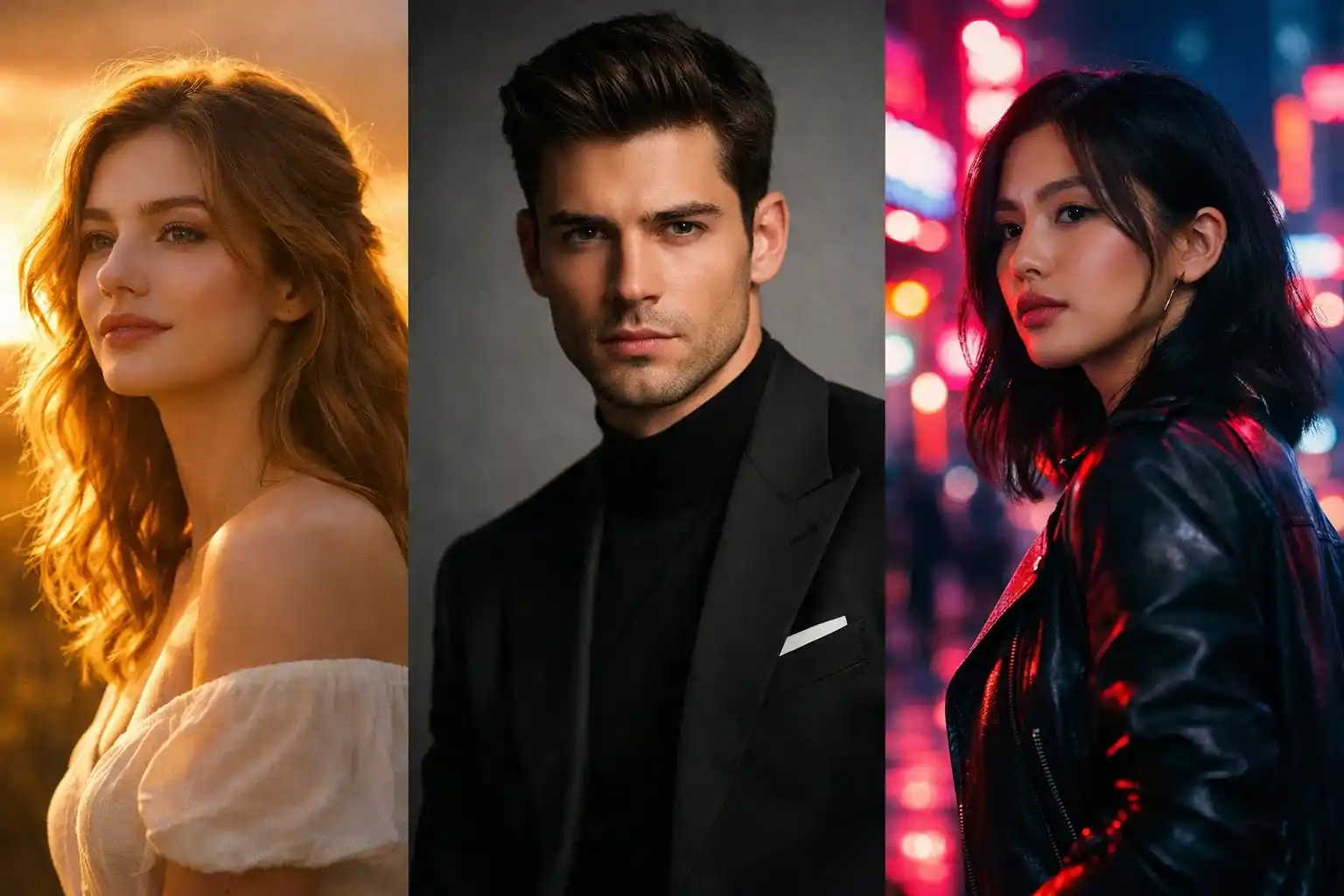
Using the provided image as reference, edit the photo as if captured during golden hour. Preserve the subject’s identity while using warm sunlight, soft flares, and long natural shadows. Enhance skin tones gently with golden highlights. The background should feel open and airy. The mood should feel peaceful, cinematic, and full of quiet beauty.
9. Rainy Night Neon Cyberpunk Vibe
Using the provided image as reference, transform the photo into a rainy night cyberpunk scene. Preserve facial realism while adding neon reflections, wet textures, and moody blue-purple lighting. The background should feel urban and futuristic, with glowing signs and soft rain effects. The final image should feel dramatic, stylish, and slightly mysterious.
10. Minimal Clean Studio Portrait
Using the provided image as reference, create a minimal studio portrait with a clean background. Preserve natural skin texture and facial details while using soft, even lighting. Remove distractions and keep colors neutral and calm. The mood should feel modern, professional, and peaceful, perfect for profile photos or branding.
11. Old-Money Classy Aesthetic
Using the provided image as reference, style the photo with an old-money, timeless aesthetic. Preserve identity while using elegant clothing tones, soft natural lighting, and muted colors. Add a calm, composed expression and a refined background. The final image should feel classy, subtle, and quietly luxurious.
12. Dreamy Pastel Aesthetic Portrait
Using the provided image as reference, edit the photo with soft pastel colors and dreamy lighting. Preserve facial realism while adding gentle highlights, smooth shadows, and airy tones. The mood should feel light, calm, and emotionally soothing, like a peaceful daydream.
13. Dark Dramatic Low-Key Lighting Look
Using the provided image as reference, create a low-key dramatic portrait using deep shadows and controlled highlights. Preserve natural skin texture while letting darkness shape the face. Use minimal background detail and moody tones. The image should feel intense, cinematic, and emotionally powerful.
14. Royal Regal Portrait Style
Using the provided image as reference, style the subject with a royal, regal portrait feel. Preserve real facial features while using rich lighting, elegant posture, and deep luxurious colors. The mood should feel dignified, powerful, and timeless, like a classic royal painting brought to life.
15. Travel Lifestyle Influencer Look
Using the provided image as reference, edit the photo to feel like a travel lifestyle influencer shot. Preserve identity while using natural outdoor lighting, soft colors, and relaxed posture. The background should feel open and adventurous. The mood should feel free, aspirational, and story-driven.
16. Emotional Close-Up Storytelling Portrait
Using the provided image as reference, create an emotional close-up portrait focusing on the eyes and expression. Preserve skin texture and imperfections. Use soft lighting and subtle shadows to enhance emotion. The image should feel intimate, honest, and deeply human.
17. Artistic Soft-Grain Analog Look
Using the provided image as reference, apply an artistic analog look with soft grain and gentle tones. Preserve facial realism while adding texture and slight color imperfections. The mood should feel artistic, calm, and handcrafted, like a personal art photograph.
18. Fashion Runway Backstage Vibe
Using the provided image as reference, style the photo like a backstage fashion moment. Preserve identity while using mixed lighting, candid energy, and slightly imperfect composition. Add subtle chaos, movement, and realism. The mood should feel raw, stylish, and alive.
19. Editorial Portrait With Bold Shadows
Using the provided image as reference, create an editorial portrait with bold shadows and strong light direction. Preserve facial details while shaping the face through contrast. Use a simple background and confident pose. The image should feel powerful, modern, and magazine-ready.
20. Calm Aesthetic Wallpaper-Style Portrait
Using the provided image as reference, transform the photo into a calm, aesthetic wallpaper-style portrait. Preserve natural colors and skin texture. Use soft lighting, minimal background, and gentle color grading. The mood should feel peaceful, balanced, and visually soothing.
Final thoughts
Great edits come from curiosity and experimentation.
Save the prompts you love. Tweak them. Make them yours.
Your images already have a story.
These prompts just help you tell it better.