Introduction: Why Google Nano Banana Edits Feel Different
Not all AI photo edits feel real.
Some look flashy.
Some look fake.
Some look impressive — but empty.
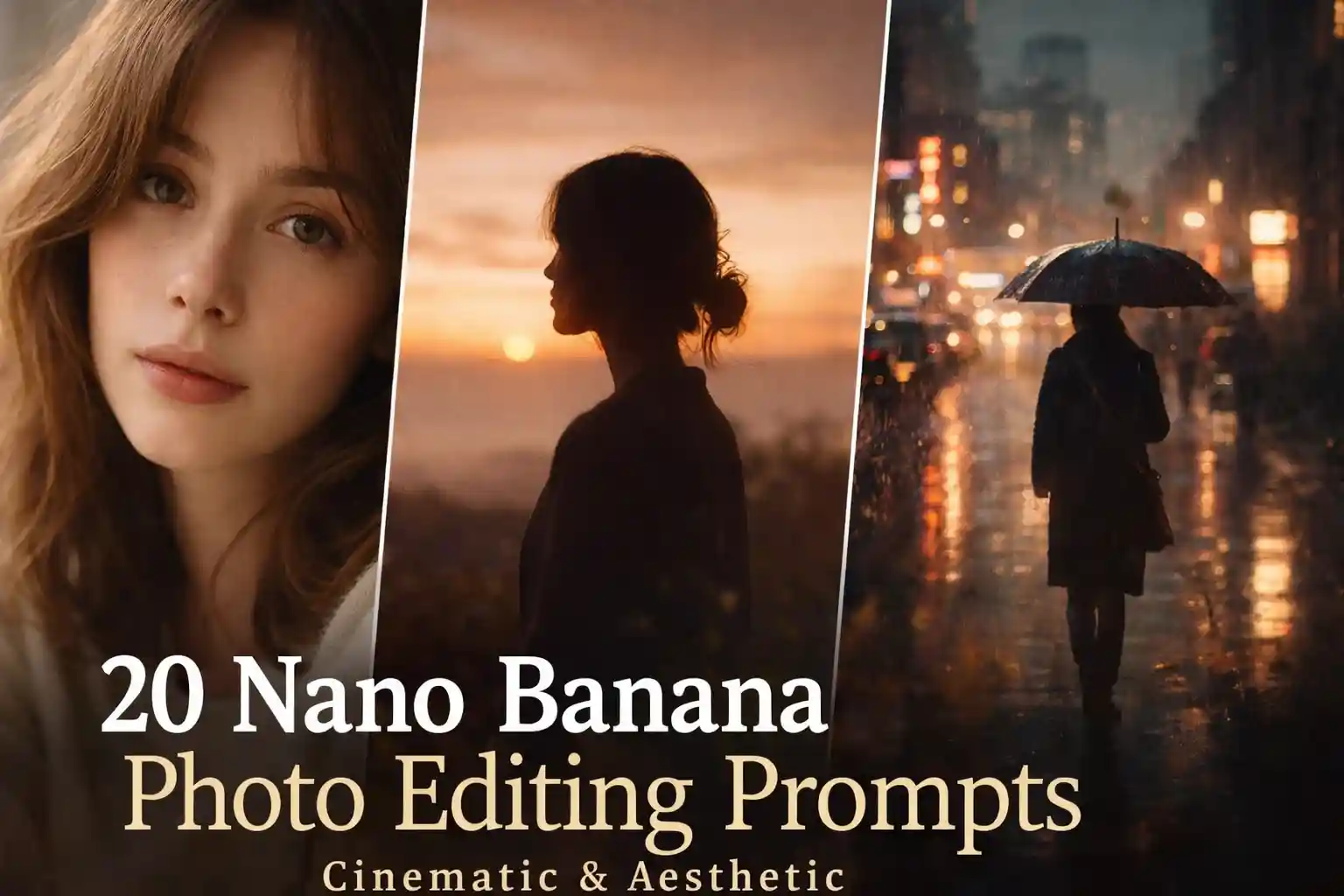
Google Nano Banana is different. When used with the right prompts, it creates photos that feel quiet, cinematic, and human. The kind of visuals that don’t shout — they pull you in.
That’s why creators are now using Google Nano Banana for:
- Cinematic portraits
- Nature-based edits
- Emotional visuals
- Google Discover–friendly images
Below are 15 carefully written Nano Banana photo editing prompts, designed to make nature feel alive and your photos feel like movie stills.
1. Silent Mountain Gaze
Prompt:
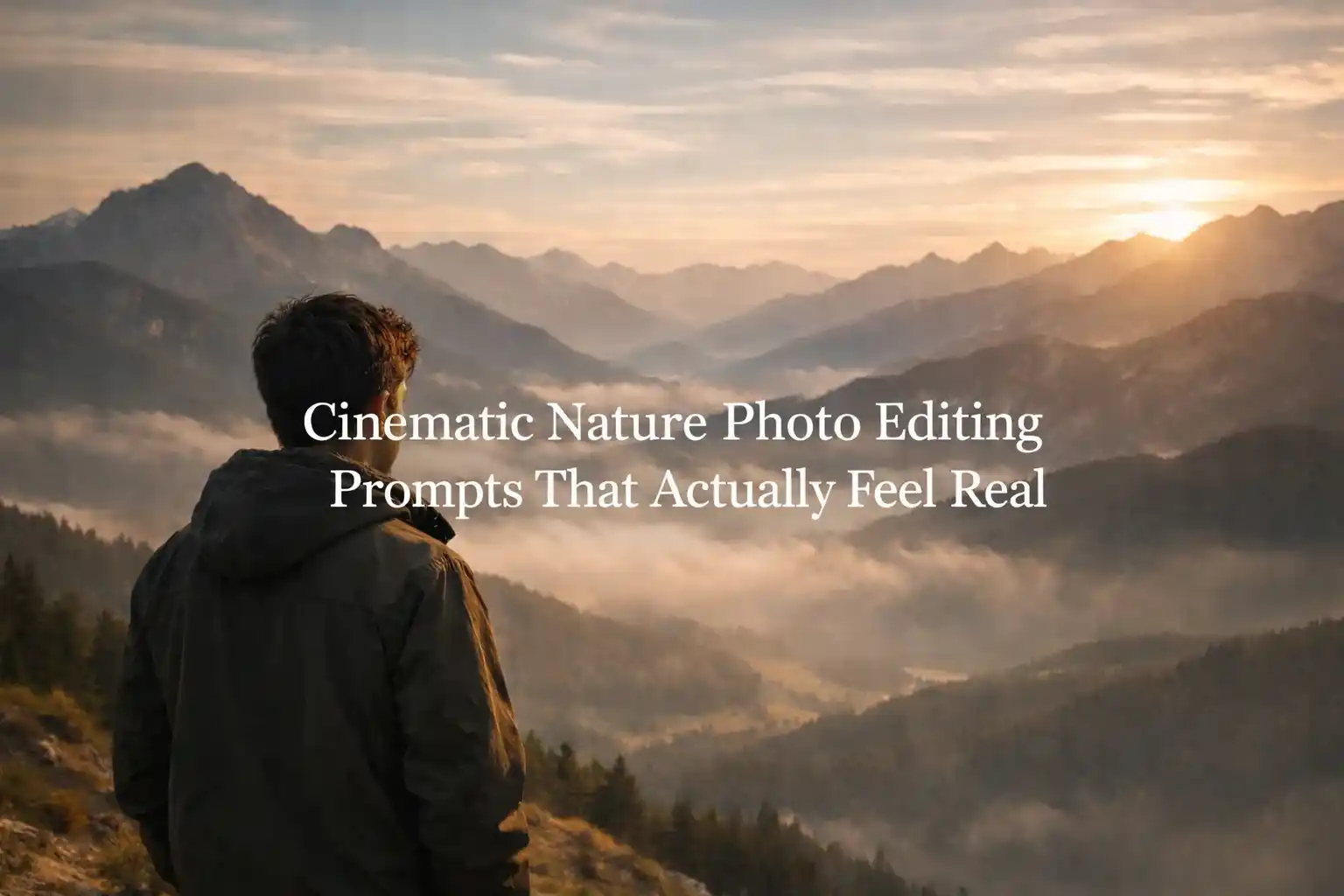
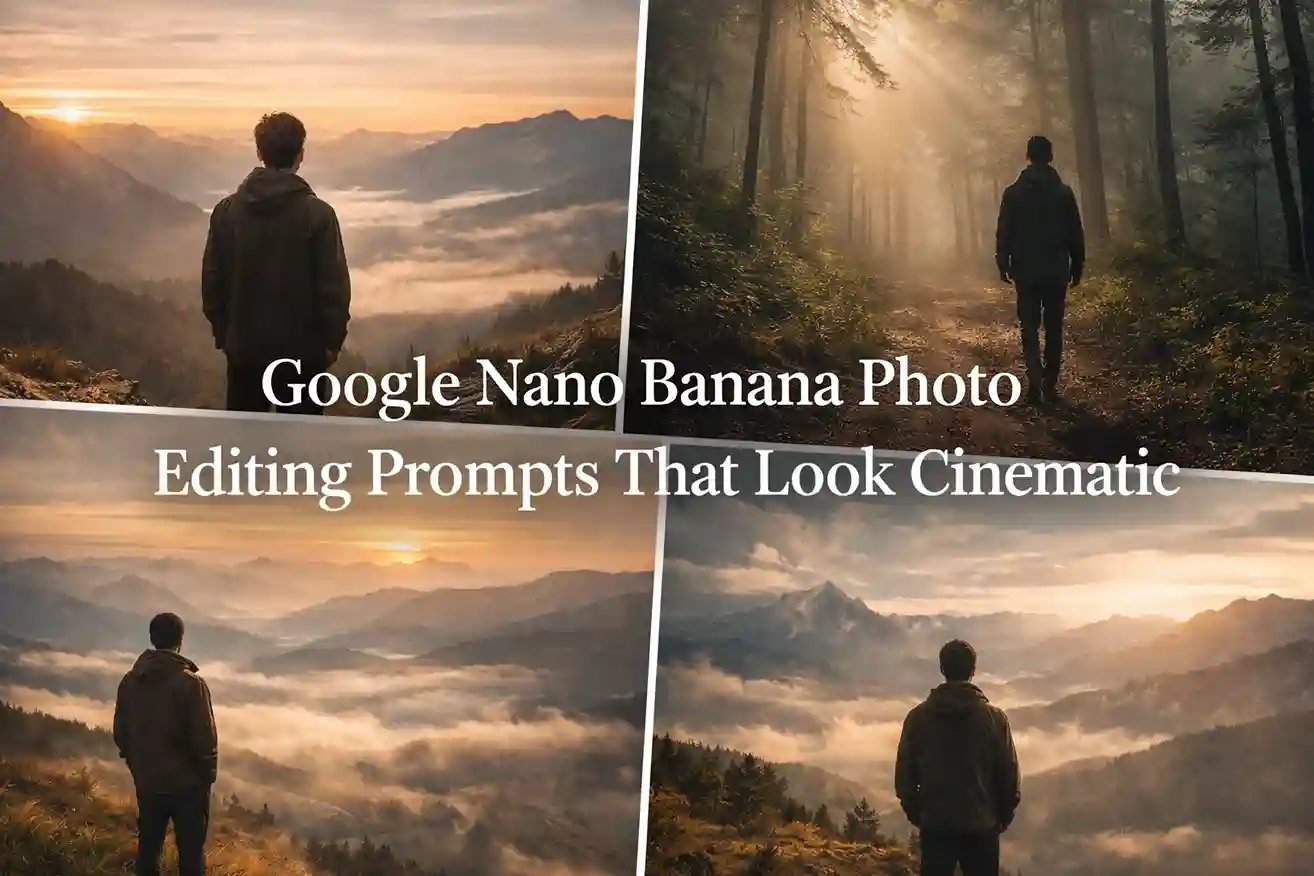
“Using Google Nano Banana, transform this photo into a cinematic mountain scene with layered peaks fading into mist. Add soft golden-hour light, cool earthy tones, and calm atmospheric haze. The mood should feel silent, powerful, and timeless.”
2. Forest Breathing Light
Prompt:
“Create a cinematic forest portrait with tall trees, soft fog, and gentle sunlight filtering through leaves. Colors should be deep green and natural, with realistic textures and a peaceful, emotional mood.”
Nature should feel like it’s breathing.
3. Golden Hour Valley
Prompt:
“Edit this image into a wide cinematic valley scene during golden hour. Warm sunlight, long shadows, soft clouds, and natural color grading. Keep everything realistic and calm.”
4. Man vs Vast Sky
Prompt:
“Generate a cinematic wide-angle shot where the subject stands small under a massive open sky. Use soft clouds, muted blues, and natural lighting to create a feeling of freedom and scale.”
5. Rain & Earth Mood
Prompt:
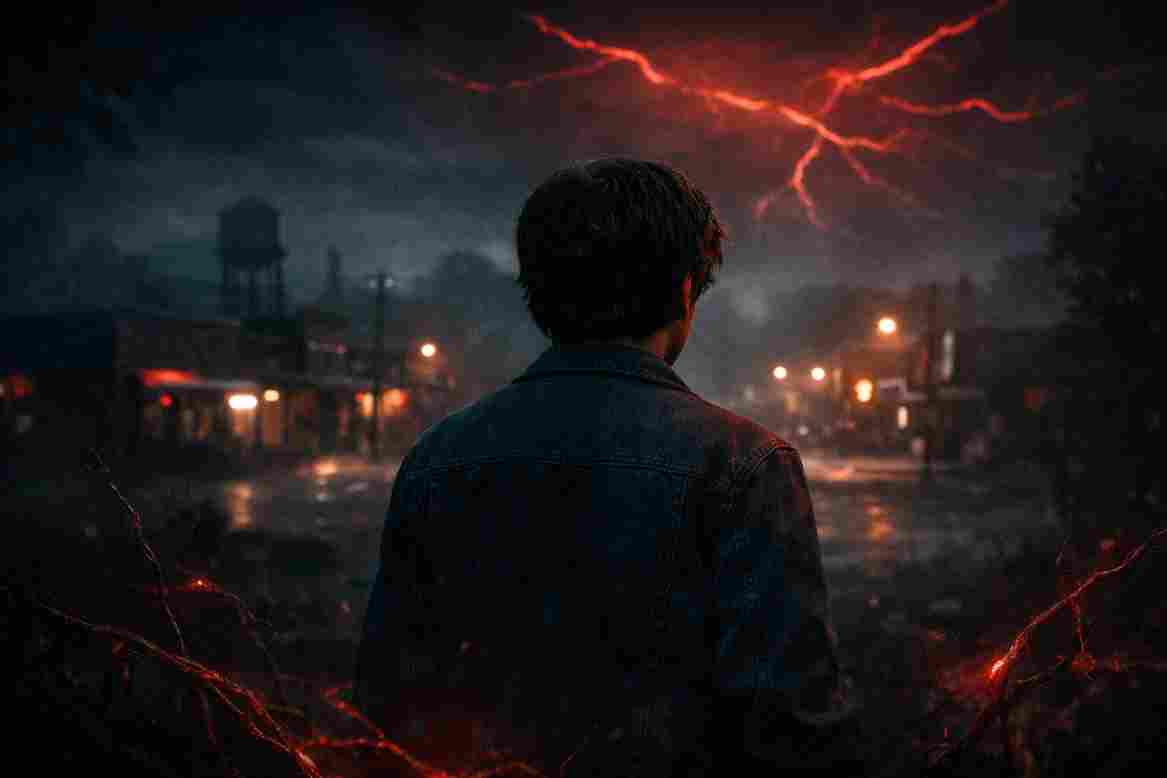
“Create a cinematic rainy atmosphere with wet ground, soft reflections, subtle rain particles, and dark earthy tones. The emotion should feel deep, calm, and reflective.”
6. Misty Morning Hills
Prompt:
“Transform this photo into an early-morning cinematic hill scene with fog rolling through valleys, soft light, and cool natural colors. The mood should feel fresh and quiet.”
7. Sunset Silence
Prompt:
“Edit this photo into a cinematic sunset scene with warm orange light, soft shadows, and gentle haze. Nature should feel calm, nostalgic, and peaceful.”
8. Deep Green Nature Mood
Prompt:
“Create a dark green cinematic nature look with moody lighting, rich shadows, textured leaves, and subtle fog. Keep colors realistic and emotionally deep.”
Dark greens perform extremely well visually.
9. Cliff Edge Freedom
Prompt:
“Generate a cinematic cliff-edge scene overlooking vast land or sea. Use natural light, dramatic but soft sky, and realistic depth. The feeling should be freedom without exaggeration.”
10. Snow Silence Scene
Prompt:
“Transform this image into a cinematic snow-covered landscape with falling snowflakes, soft cold light, muted whites and blues, and a quiet, peaceful atmosphere.”
Silence is powerful.
11. River Flow Calm
Prompt:
“Create a cinematic riverside scene with flowing water reflecting soft light, natural green-brown tones, and subtle motion blur. The mood should feel calm and meditative.”
12. Lone Road Nature Shot
Prompt:
“Edit this photo into a cinematic nature road scene stretching into the distance. Add soft clouds, natural light, and muted tones to create a sense of journey and solitude.”
13. Clouds Above the World
Prompt:
“Generate a cinematic above-the-clouds scene with soft sunlight, glowing sky layers, and peaceful atmospheric haze. The emotion should feel hopeful and uplifting.”
14. Autumn Earth Feel
Prompt:
“Create a cinematic autumn nature scene with warm brown, orange, and green tones. Add soft light, realistic textures, and a nostalgic mood.”
15. Nature Dominates the Frame
Prompt:
“Using Google Nano Banana, create an epic cinematic composition where nature dominates the frame and the human subject feels connected, not separate. Keep lighting natural and colors realistic.”
Pro Tip: Always Add This Line
To keep edits realistic, always add this at the end:
“Keep the same face, same skin tone, same identity. Do not change facial features.”
This single line makes a huge difference.
Final Thoughts
Cinematic photos aren’t about filters.
They’re about light, silence, and emotion.
When you guide Google Nano Banana with human words instead of technical commands, the results feel real — and real always performs better.